

01
Every world starts with words
Shape your plot, scenes and dialogue into a script you can bring to the screen.
 CoolShowAICoolShowAI
AI-powered animated storytelling. From script to screen.
Enter the studioStart with a spark.
Bring your imagination to life with AI.
Co-developed with Volcano Engine

YOUR STORY. YOUR UNIVERSE.
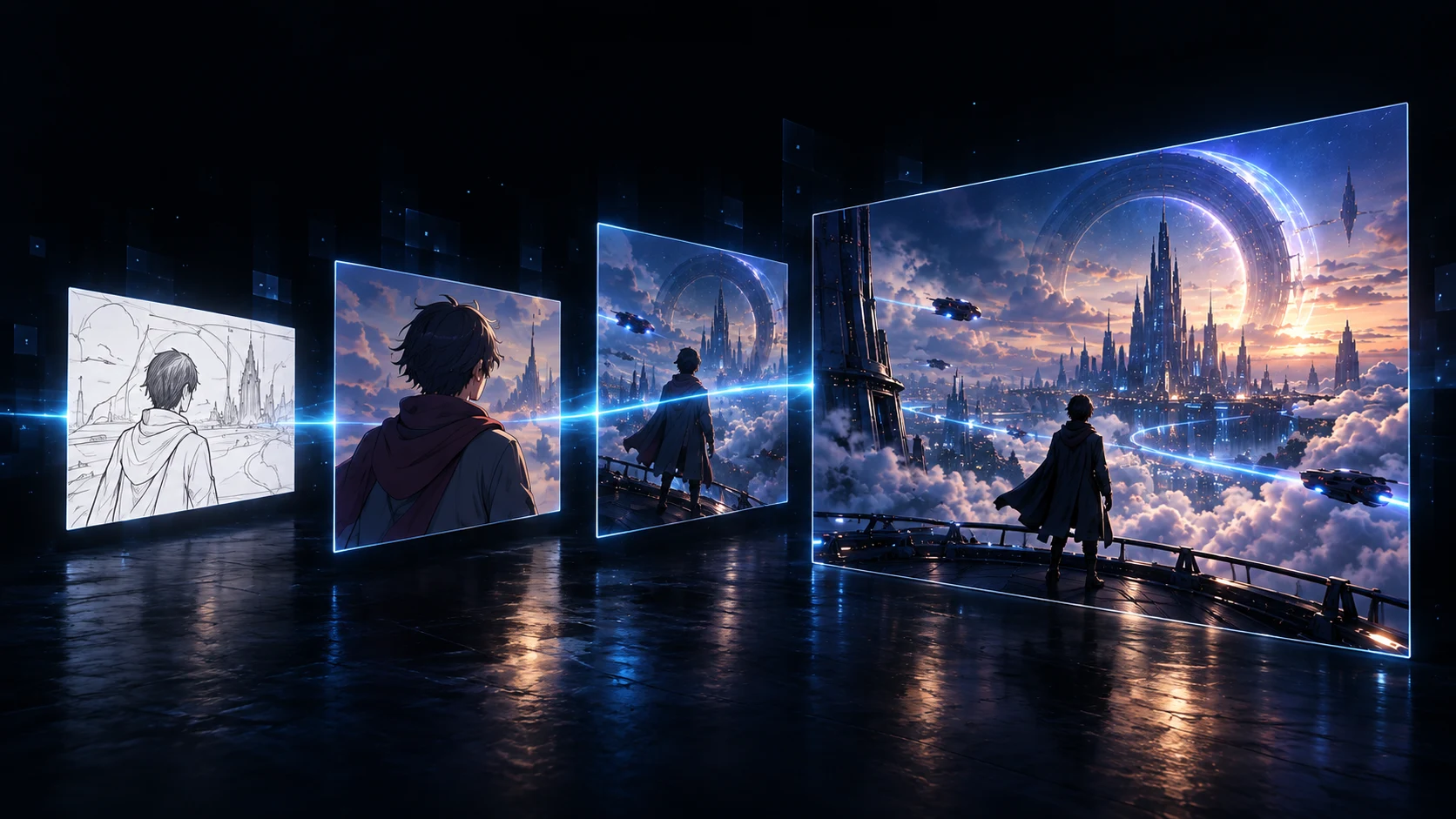
From the scene in your head to an animated story. Bring scripts, characters, images and sound together in one creative workflow.
Shape your plot, scenes and dialogue into a script you can bring to the screen.
Build reusable characters, locations and props to give your story a consistent visual language.
Plan your storyboard, refine compositions and shape the rhythm of each scene.
Turn storyboards into video, then bring sound and editing together for a complete story.
FROM SCRIPT TO SCREEN
A creative journey, with a clear next step at every stage.
Start with an outline or a complete script. Define your plot, characters and locations. Every great image begins with a story.
WORLDS WITHOUT LIMITS
Live-action drama. Sci-fi fantasy. Animation for global audiences. Explore new styles and bring your stories to a wider world.
A breath. A bead of sweat. A decisive punch. Let every detail carry the story.
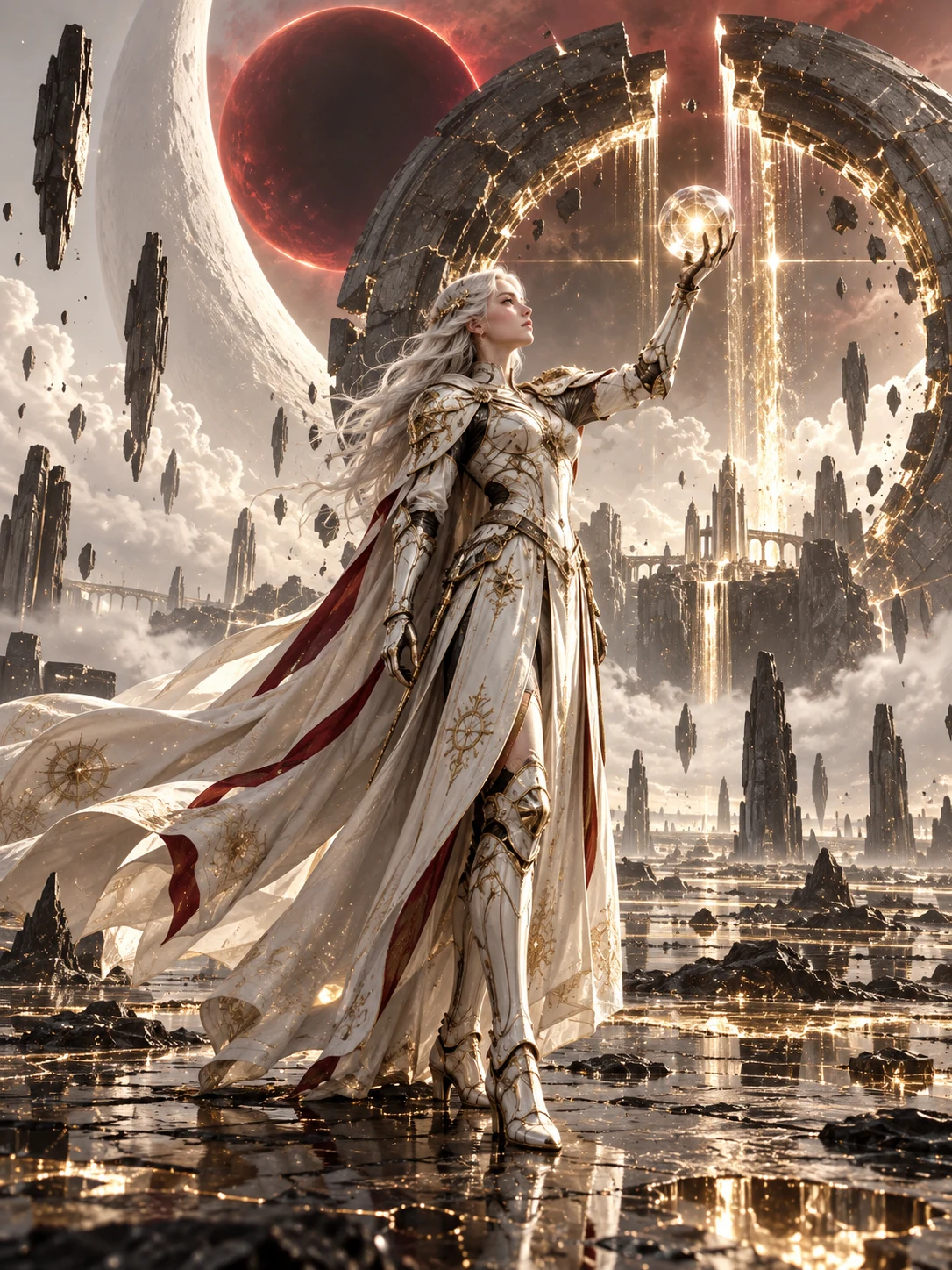
An ancient power awakens. A new universe opens before your eyes.
An unsent letter. A reunion in the rain. Character-driven stories that travel beyond language.
Original imagery shown as creative concepts.
Hover to play · Move away to pausePlays as you scroll · Tap to pause
FAQ
AI animated shorts, episodic stories and visual development for story IP. Start with a script, then develop characters, locations, storyboards, video and post-production.
Start with a story outline. Define your protagonist, their goal and the central conflict, then develop scenes and dialogue before moving to character design and storyboards.
Establish a visual style first, then create character, location and prop references. Reuse these assets across shots and review appearance, wardrobe and scene continuity.
Continue in post-production, including Jianying draft export. Refine video, sound, subtitles and pacing in your editing workflow. Available features are shown in the studio.
Select “Studio” or “Enter the studio” to open the CoolShowAI workspace. Sign-in, available features and usage information are provided there.

THE NEXT WORLD IS YOURS.
Bring the world in your mind to the screen.
Enter the studio